Nashra vs Substack
Your domain, your list, your brand.
Substack is a network you publish on. Nashra is a tool you publish from. Same craft, different ownership.
Free up to 500 subscribers.
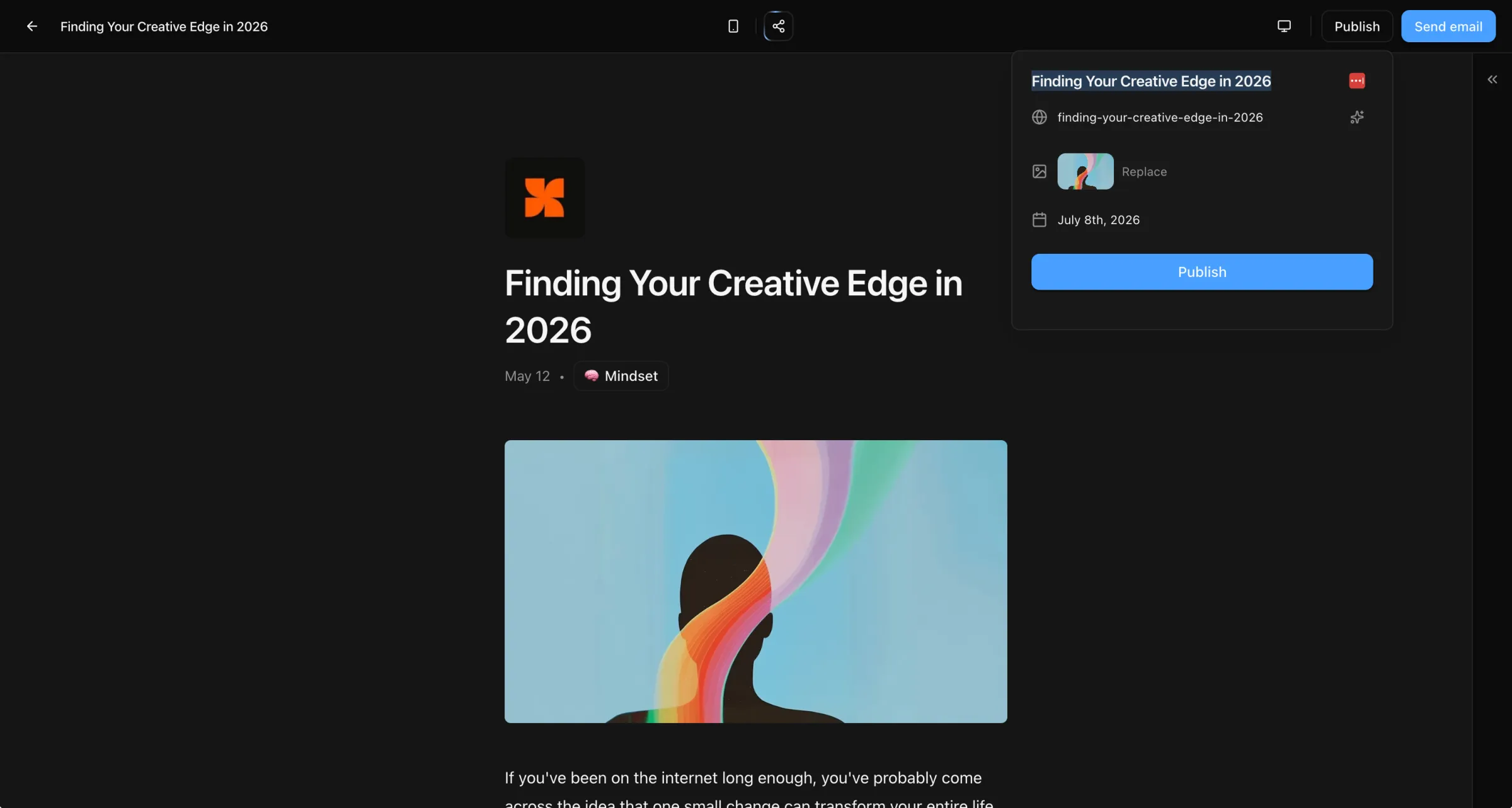
Everything you'd leave Substack to get.
Your domain, not theirs
Your blog runs at yourdomain.com and email goes from you@yourdomain.com. On Substack you live at substack.com/you, and the URL is theirs.

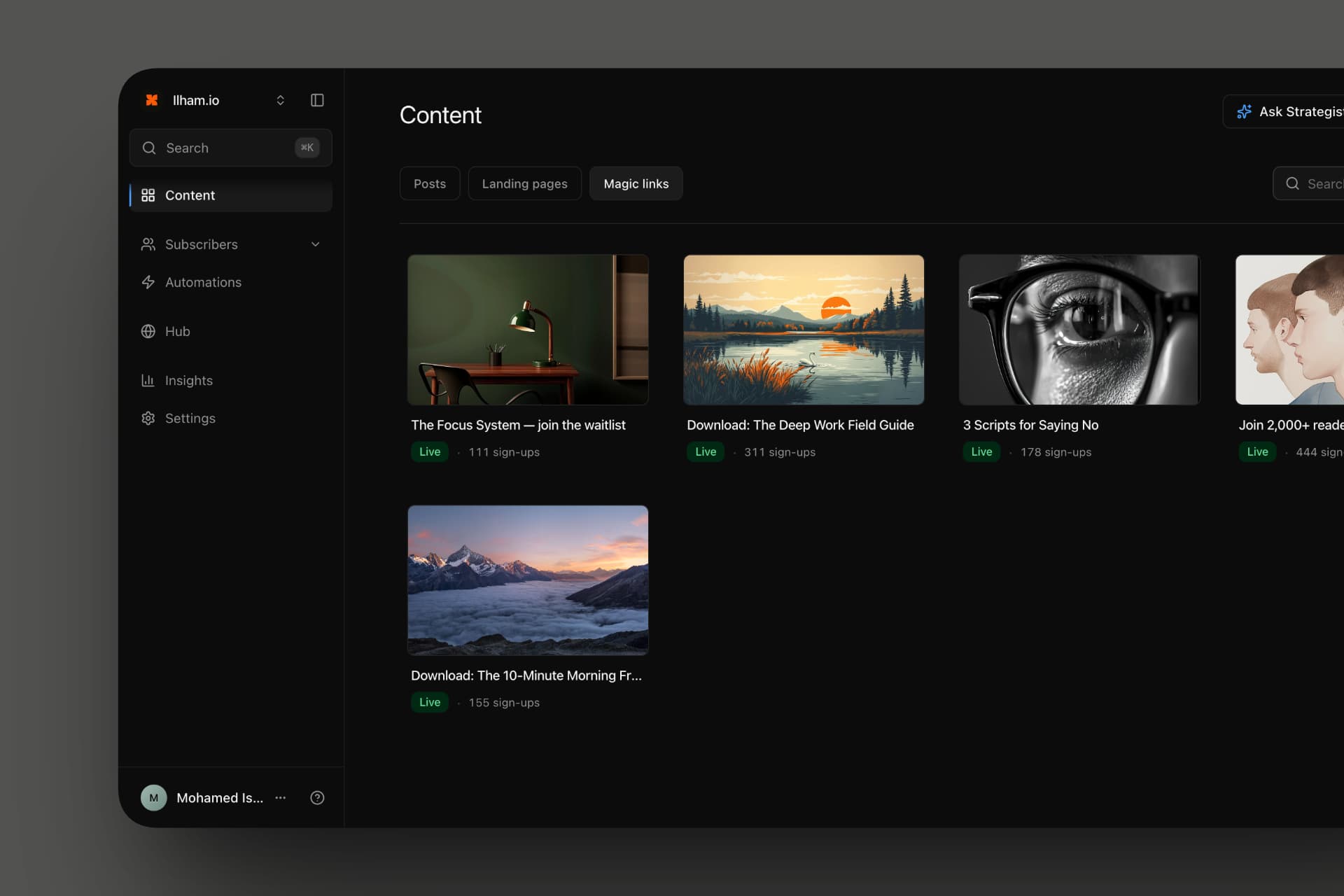
Landing pages and lead magnets
Build pages that capture and tag subscribers, and Magic Links that deliver a file automatically. Substack has none of this.
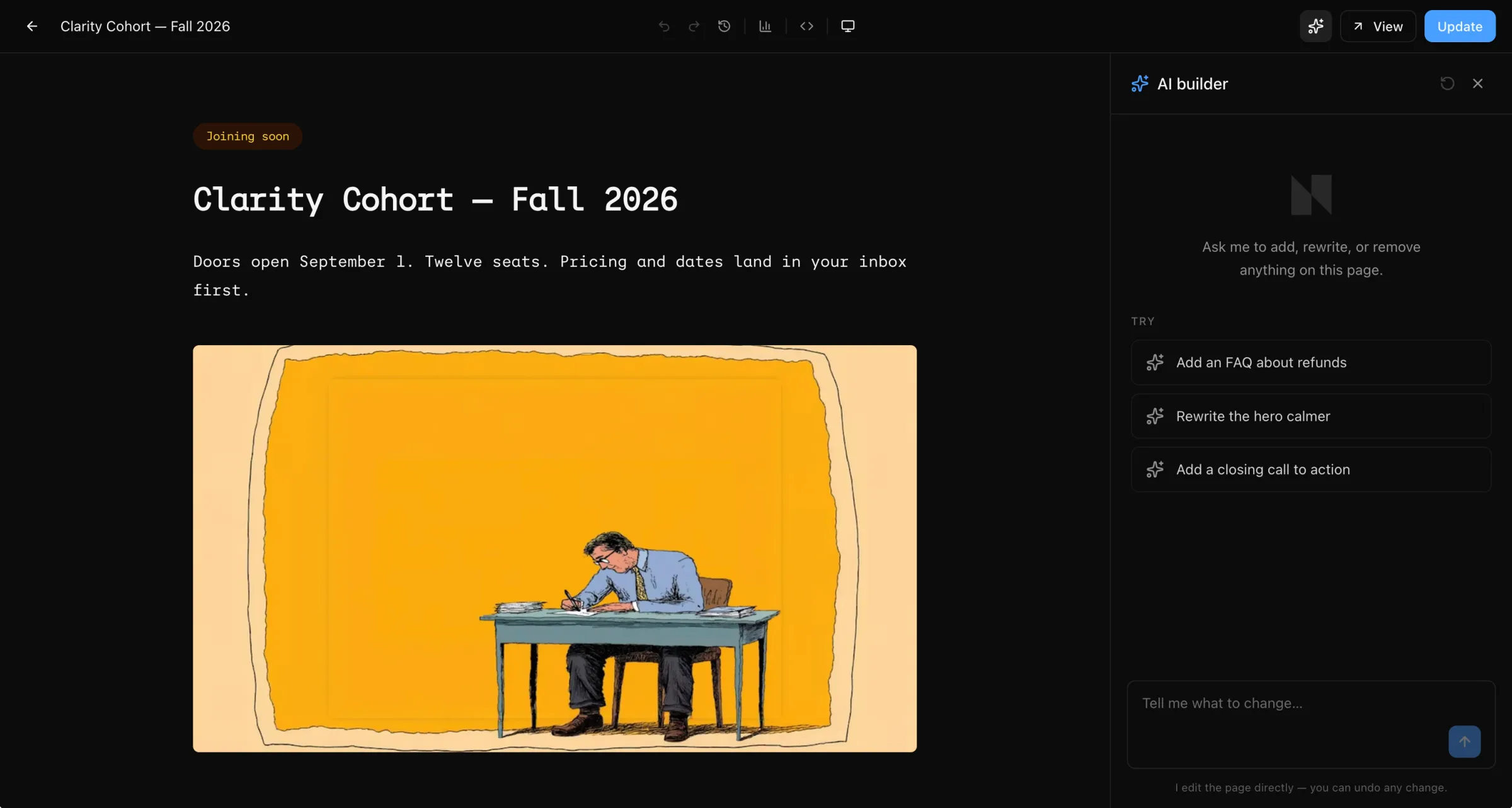
Real audience tools
Tag, segment, store custom fields, and route Magic Links to the right people. Substack treats every subscriber as one undifferentiated row.
The latest, shipped in 2026.
The publishing hub keeps shipping. Here is what landed this year.
AI landing-page composerNew
Describe the offer; the AI drafts a real page from blocks. You edit and publish.
AI subject linesNew
The send dialog suggests subject lines drawn from your draft.
Open heat mapNew
See when subscribers open, hour by hour, and send at the best time.
The HubNew
Bio, blog, and subscribe point on one page, with unified analytics.
Global search
A command palette that jumps to posts, pages, subscribers, and settings.
Public API + SDKs
A REST API with official Node.js and Laravel SDKs, on every plan.
Custom domains, rebuilt
Root or subdomain, copyable DNS, sending identity moves the moment it verifies.
Subscriber Cleanup
Scan for spam signups, review the flags, and quarantine in bulk.
Nashra MCP serverNew
Connect AI assistants to your workspace over MCP.
Native RTLUnique
Arabic and Farsi layouts flip on their own. No plugin, no CSS.
Visual automations
Welcome flows and tag-based sequences, drawn on a drag-and-drop canvas.
AI Strategist
Reads your sends and says what's landing. It never drafts for you.
Every line item. No fine print.
Side by side, section by section.
Which one fits you.
PICK NASHRA IF
you want your domain on the URL, your brand in the inbox, real automations, and tagging your readers actually means something.
PICK SUBSTACK IF
discovery from inside the Substack network and Notes is your primary growth lever.
Where Substack is stronger.
No comparison is honest without this part.
The discovery network
If readers find you through other Substack publications and Notes, that's a real flywheel Nashra doesn't replicate. Substack's strength is its graph, not its tools.
Notes
Built-in micro-posting that drives traffic back to publications. Nashra has nothing like it.
Native reader app
Substack's app surfaces your editions inside a feed people already check. Nashra's editions land in regular inboxes.
Free until you charge
Substack costs nothing until you turn on paid subscriptions. Nashra is also free up to 500 subs forever — but if you stay under 500 and never want automations, Substack is cheaper.
One flat fee.
 Substack
Already on Substack? We move it for you.
Export your list and your archive from Substack. We set up the domain, port the posts, redirect old URLs, and check the first send before it goes out. Free white-glove on Publisher, most moves done inside 48 hours.
Switching from Substack.
The honest answers. Write to us if something here doesn't cover it.
Other comparisons
Looking at the rest of the field?
 Nashra vs Beehiiv
 Nashra vs Kit
 Nashra vs Ghost
 Nashra vs Mailchimp
 Nashra vs Mailerlite
 Nashra vs Linktree
 Nashra vs Carrd
Try it for a week. Decide for yourself.
Free up to 500 subscribers, forever. Credit card required only for sending emails. Bring your list, your domain, your archive.
Create your Hub